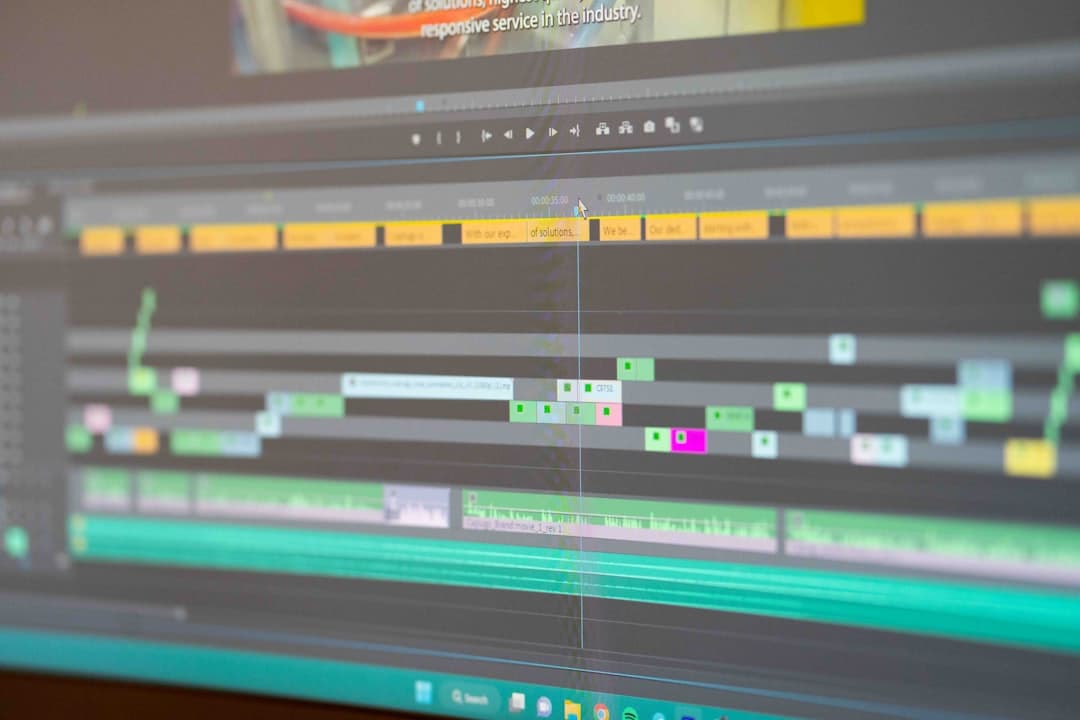
Another AI Editor Leaves Beta — Here's What Actually Matters for Your Workflow
Another week, another AI editing tool hitting the market.
This time it's a platform that just graduated from beta and is positioning itself directly against Premiere Pro and DaVinci Resolve users. The pitch? AI-driven editing that promises to speed up your workflow.
Sound familiar? It should. We've heard this exact promise about 47 times in the last 18 months.
But here's the thing — some of these tools are actually delivering now. And some are still glorified demos with good marketing. Let's talk about what actually matters when you're deciding whether to add another tool to your stack.
The Real Question Isn't "Is It Good?" — It's "Where Does It Fit?"
I've tested a lot of these AI editing tools over the past year. The pattern I keep seeing: creators get excited, download the tool, play with it for an afternoon, then never open it again.
Why? Because they're evaluating the wrong thing.
They're asking "can this tool do cool stuff?" when they should be asking "does this tool solve a specific bottleneck in my current workflow?"
Think about your last 10 videos. Where did you lose the most time?
- Scrubbing through footage to find usable takes?
- Cutting out dead air and filler words?
- Color grading?
- Adding captions?
- Exporting and re-exporting?
Every creator has different bottlenecks. A tool that saves a gaming streamer 4 hours per video might save a talking-head YouTuber 15 minutes.
What the New Wave of AI Editors Actually Does Well
Let's be specific about where AI editing tools are genuinely useful in 2026:
Rough cuts from long recordings. If you're shooting 2-hour podcast sessions or multi-camera interviews, AI can identify the "good" sections and assemble a rough cut in minutes instead of hours. This is legitimately useful.
Automatic B-roll suggestions. Some tools now analyze your script or voiceover and pull relevant stock footage. Hit rate is maybe 60-70% useful, but that's still faster than searching manually.
Silence and filler removal. This is where AI shines. Tools that detect and remove dead air, "ums," "uhs," and awkward pauses can cut editing time dramatically — especially for interview content or solo recordings.
Auto-captions that don't suck. Caption accuracy has gotten genuinely good. We're talking 95%+ accuracy for clear audio, which means less time fixing transcription errors.
What AI Editors Still Can't Do
Here's where the marketing gets ahead of reality:
Creative decisions. AI can't tell if a joke landed. It can't feel the pacing of your video. It doesn't know that you want to hold on that reaction shot for comedic timing. The "AI edits your whole video" promise still produces content that feels... off.
Brand consistency. Your audience watches you because of your style. AI tools optimize for generic engagement patterns, not your specific voice.
Complex narratives. If you're telling a story with callbacks, building tension, or doing anything beyond straightforward information delivery, you still need a human editor (or to be that human yourself).
The Smart Way to Evaluate Any New Tool
Before you sign up for another free trial, run through this checklist:
-
Identify your actual bottleneck. Time yourself on your next video. Where are you spending hours that feel like busywork?
-
Does this tool specifically address that bottleneck? Not "could it theoretically help" — does it directly solve your specific problem?
-
What's the integration cost? Learning a new tool takes time. Exporting and importing between tools takes time. Sometimes the friction of adding a new step costs more than it saves.
-
What's the ongoing cost? Most AI tools are subscription-based. A $30/month tool needs to save you real hours to justify itself. Do the math.
The Tools That Actually Stick
In my experience, the AI tools that creators actually keep using long-term share a few traits:
- They do one thing extremely well instead of promising to do everything
- They integrate into existing workflows rather than replacing them entirely
- They handle the tedious parts so you can focus on the creative parts
- They work fast enough that you're not waiting around
The editing tools that try to be "AI Premiere" or "AI Final Cut" tend to disappoint. The ones that say "we just remove the boring parts of editing" tend to deliver.
What This Means for Your Workflow
Should you try the new tool that just left beta? Maybe. If it solves a specific problem you have.
But don't chase every new release hoping it'll magically make editing fun. The unsexy truth is that faster editing comes from identifying your specific time sinks and finding targeted solutions for each one.
For some creators, that's AI-powered rough cuts. For others, it's better organization systems. For a lot of talking-head creators, it's automated cleanup of the raw recording.
Figure out where your time actually goes. Then find the tool that fixes that specific thing.
deum removes filler words, ums, and silences from your videos automatically — 97% accuracy, processes in real-time. Try it free at deum.video