The AI Tools Actually Worth Your Time in 2026 (From Someone Who's Tested Too Many)
Another "best AI tools" list dropped this week. I counted 13 tools on it. Thirteen.
Here's the problem: nobody has time to test 13 tools. You've got videos to edit, thumbnails to make, and that sponsorship email you've been putting off for three days. You need to know which tools actually move the needle and which ones just add another subscription to your credit card statement.
So let's cut through it.
The Real Question: Where Are You Losing Time?
Before you download anything, look at your last editing session. Where did the hours actually go?
For most creators I talk to, it breaks down like this:
- 40% of editing time: Cutting dead air, removing "ums" and "uhs," trimming pauses
- 25% of editing time: Color correction, audio leveling, basic cleanup
- 20% of editing time: Adding graphics, text, transitions
- 15% of editing time: Actually creative decisions
That first category? That's 40% of your editing life spent on something that requires zero creativity. You're not making artistic choices when you're hunting for the 47th "um" in a 20-minute video. You're just doing tedious cleanup.
This is where AI tools actually make sense.
What's Working Right Now
Automated Cleanup Tools
The biggest time-saver in 2026 isn't fancy AI video generation. It's the boring stuff: tools that automatically detect and remove filler words, long pauses, and awkward silences.
Think about it. A 30-minute raw recording might have 4-6 minutes of dead space and verbal stumbles. Manually finding and cutting those takes 45-90 minutes for most editors. Automated tools do it in real-time or close to it.
The math works out to roughly 3-4 hours saved per week if you're posting twice weekly. That's half a workday back.
Transcription-Based Editing
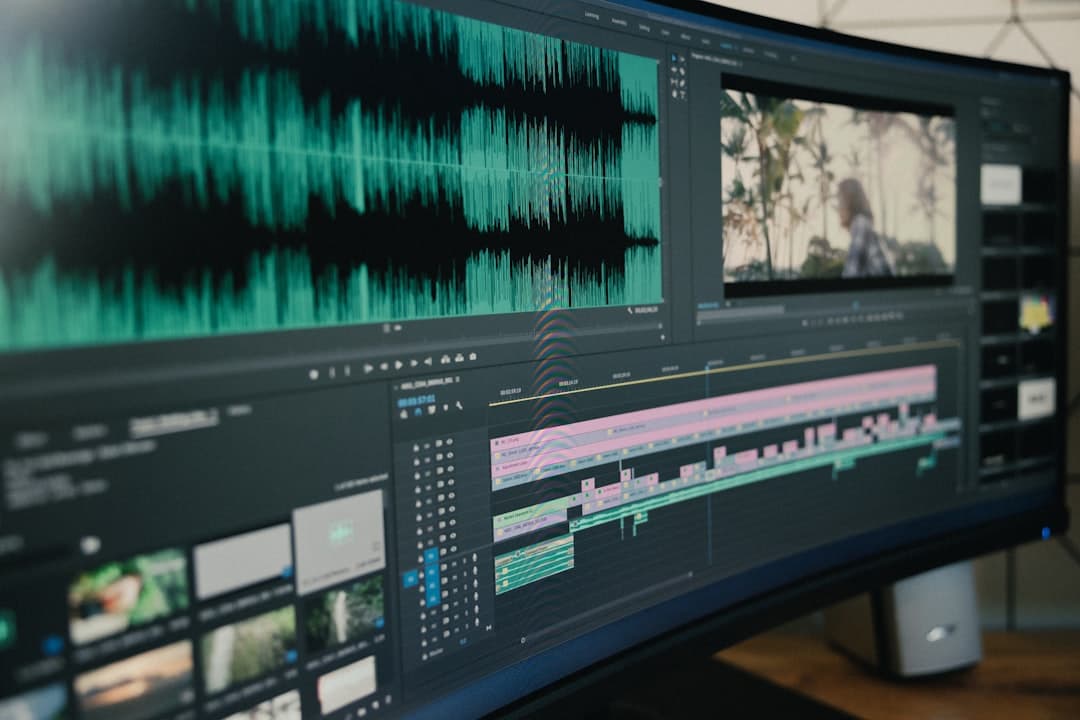
Editing video by reading text changed my workflow more than any other tool. You search for a word, jump to that timestamp, make your cut. No more scrubbing through footage trying to find where you said that thing about the thing.
Descript popularized this, and now several tools offer it. If you're still editing purely on a timeline without text, you're working harder than you need to.
AI Audio Enhancement
Background noise removal and voice isolation got genuinely good this year. Not "kind of okay if you squint" good. Actually good. Tools like Adobe Podcast's enhance feature can take a mediocre room recording and make it sound like you have proper acoustic treatment.
This matters because audio quality is the #1 reason viewers click away. They'll tolerate shaky video. They won't tolerate bad audio.
What's Still Overhyped
AI Video Generation from Prompts
Yes, you can type "a dog riding a skateboard through a city" and get a video clip. Cool party trick. But for most YouTube content, you need footage of you or footage of specific things. Generic AI-generated B-roll looks like generic AI-generated B-roll. Viewers notice.
Maybe useful for abstract explainer content. Not useful for vlogs, tutorials, reviews, or anything personality-driven.
AI Thumbnail Generators
They produce thumbnails. They don't produce good thumbnails. The difference between a 4% CTR thumbnail and an 8% CTR thumbnail is subtle human judgment about expression, composition, and text placement. AI gets you to "acceptable." It doesn't get you to "scroll-stopping."
Spend the 15 minutes making your thumbnail yourself. Or pay a human designer if you're at that scale.
"All-in-One" AI Editing Suites
Every few months, a new tool promises to do everything: edit, generate, transcribe, thumbnail, schedule, optimize. These tools are usually mediocre at all of those things instead of excellent at one thing.
Better approach: use specialized tools that do one job really well, then connect them. Your workflow might look like: raw footage → automated cleanup tool → your main editor (Premiere, Resolve, Final Cut) → export.
The Actual Workflow That Saves Time
Here's what a practical AI-assisted editing workflow looks like in 2026:
- Record your video (same as always)
- Run it through automated filler/silence removal (saves 45-90 min)
- Import cleaned footage into your main editor
- Use transcription search to find key moments (saves 20-30 min)
- Apply AI audio enhancement if needed (saves 15-20 min of manual EQ work)
- Do your actual creative editing (the part that actually matters)
Total time saved: 1.5-2.5 hours per video. Multiply that by your posting frequency.
The Bottom Line
AI tools in 2026 are best at eliminating the tedious parts of editing, not replacing the creative parts. The tools that remove filler words, clean up audio, and let you search your footage like a document — those save real hours. The tools that promise to "create videos for you" mostly create mediocre content you'll spend time fixing anyway.
Pick one or two tools that solve your biggest time sink. Master those. Ignore the rest until you've actually maxed out the value from what you're already using.
Your time is better spent making more videos than testing more tools.
deum removes filler words, ums, and silences from your videos automatically — 97% accuracy, processes in real-time. Try it free at deum.video