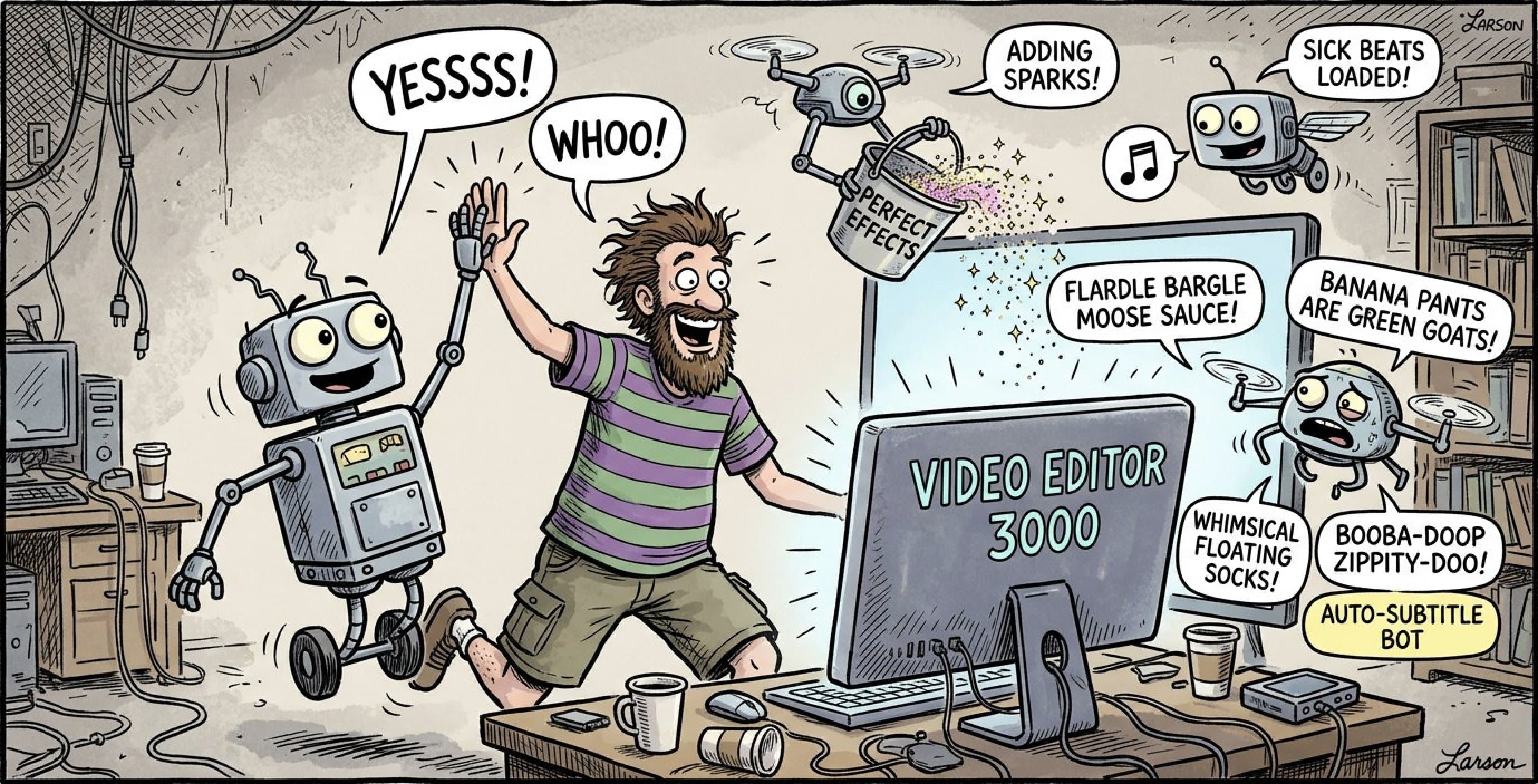
If you're spending more time editing than creating, something's wrong.
The average YouTube creator spends 3-5 hours editing a 10-minute video. That's backwards. Your audience subscribed for your content, not for your Premiere Pro skills.
The Editing Time Trap
Traditional video editing is a time sink:
- Reviewing raw footage: 30-60 minutes finding good takes
- Cutting filler words: 1-2 hours of tedious timeline work
- Color grading: 30 minutes making it look professional
- Audio mixing: 30 minutes leveling and cleaning
- Rendering & exports: Waiting... and waiting...
Result? You publish one video per week when you could be publishing three.
The AI Editing Revolution
2026 marks a turning point. AI tools can now handle the grunt work of editing.
Modern AI can:
- Detect and remove every filler word with 97% accuracy
- Identify the best takes from hours of footage
- Apply consistent color grading across projects
- Balance audio levels and remove background noise
- Generate captions and subtitles automatically
What used to take hours now takes minutes.
Real Example: A creator we work with cut their editing time from 4 hours per video to 30 minutes-and increased upload frequency from weekly to 3x per week.
Building an Efficient Workflow
Step 1: Record Smart
- Use an outline, not a full script
- Film in sections (easier to edit)
- Get multiple takes of key moments
- Don't worry about mistakes (AI can fix them)
Step 2: Let AI Do the Heavy Lifting
- Upload raw footage to AI tools
- Auto-remove filler words
- Let AI create rough cuts
- Review and approve (not micromanage)
Step 3: Add Your Creative Touch
- Adjust pacing if needed
- Add graphics/b-roll
- Fine-tune color (if AI missed something)
- Export
The Time Savings
Old workflow: 4-5 hours per 10-minute video AI-powered workflow: 45-60 minutes
That's 3-4 hours saved per video. If you post weekly, that's 200+ hours reclaimed per year.
What to Do With Extra Time
- Film more content
- Engage with your audience
- Plan better content strategy
- Actually rest and avoid burnout
The Bottom Line
The creators winning in 2026 aren't spending hours in editing software. They're using AI to automate the tedious parts and focusing their energy on creating great content.
The question isn't whether to adopt AI workflows-it's how fast you can get there.